TABLE OF CONTENTS
Finding basic species information
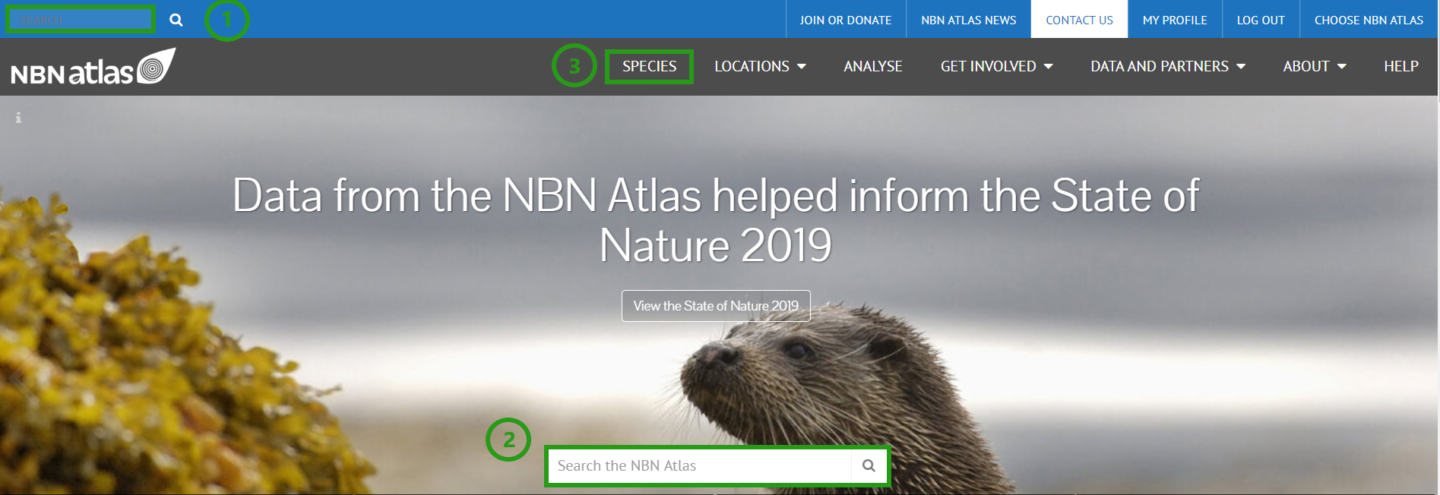
Every species recorded in the NBN Atlas has an associated overview page, which provides basic information on the species. To access species information, search for the species from either of the search boxes on the NBN Atlas home page (1, 2) or from the SPECIES tab (3).
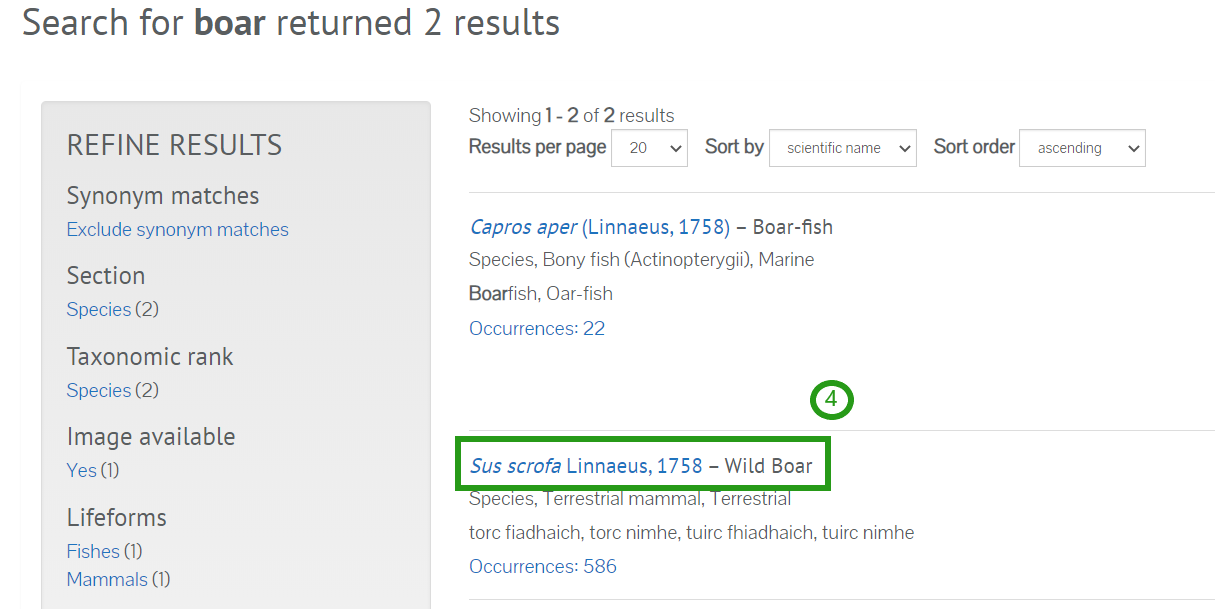
Select the species from the results page (4). Your species should appear near the top. If there are multiple recorded names for the same species, records will be held under the currently accepted name (based on the UKSI), and you will be directed to the appropriate page.
You will be directed to the Overview page (5). Here you will find a basic distribution map (6).
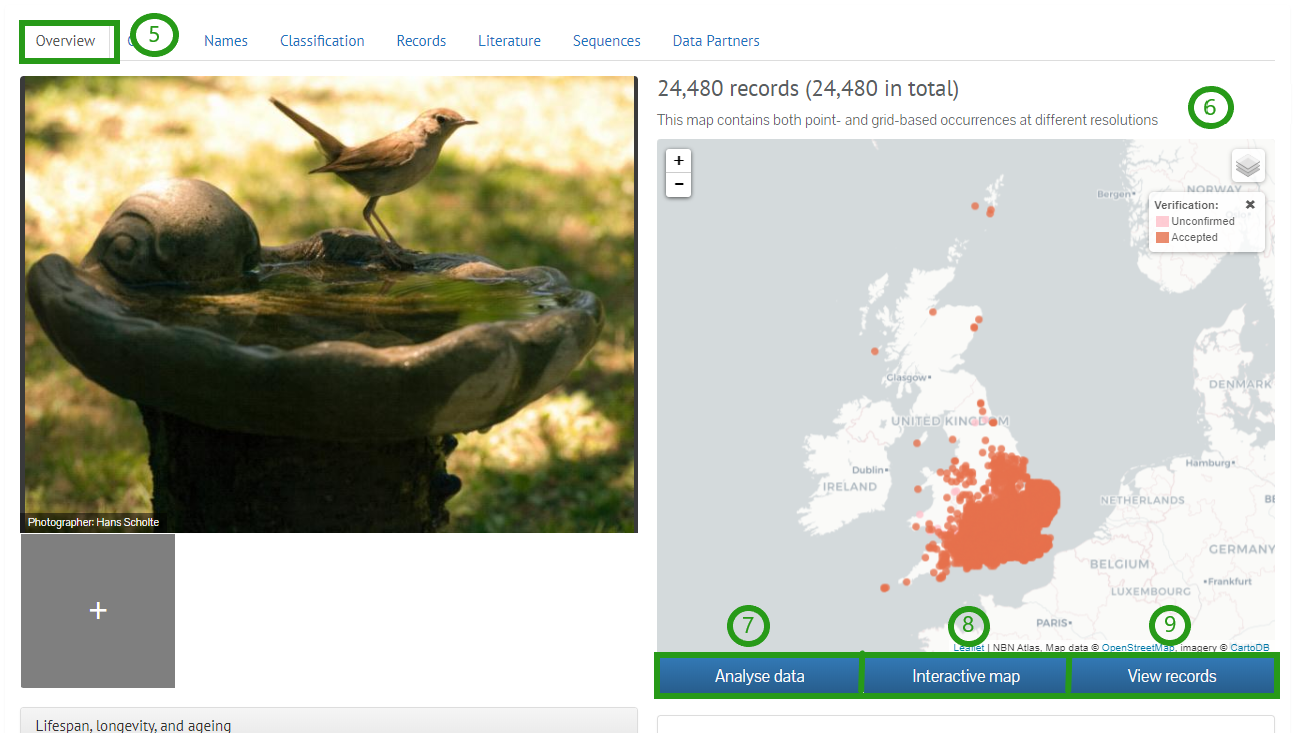
The buttons below this map will allow you to view the records in more detail. Analyse data (7) will direct you to the Spatial portal, Interactive map (8) will take you to the interactive map, and View records (9) will take you to a list of all records for the species.
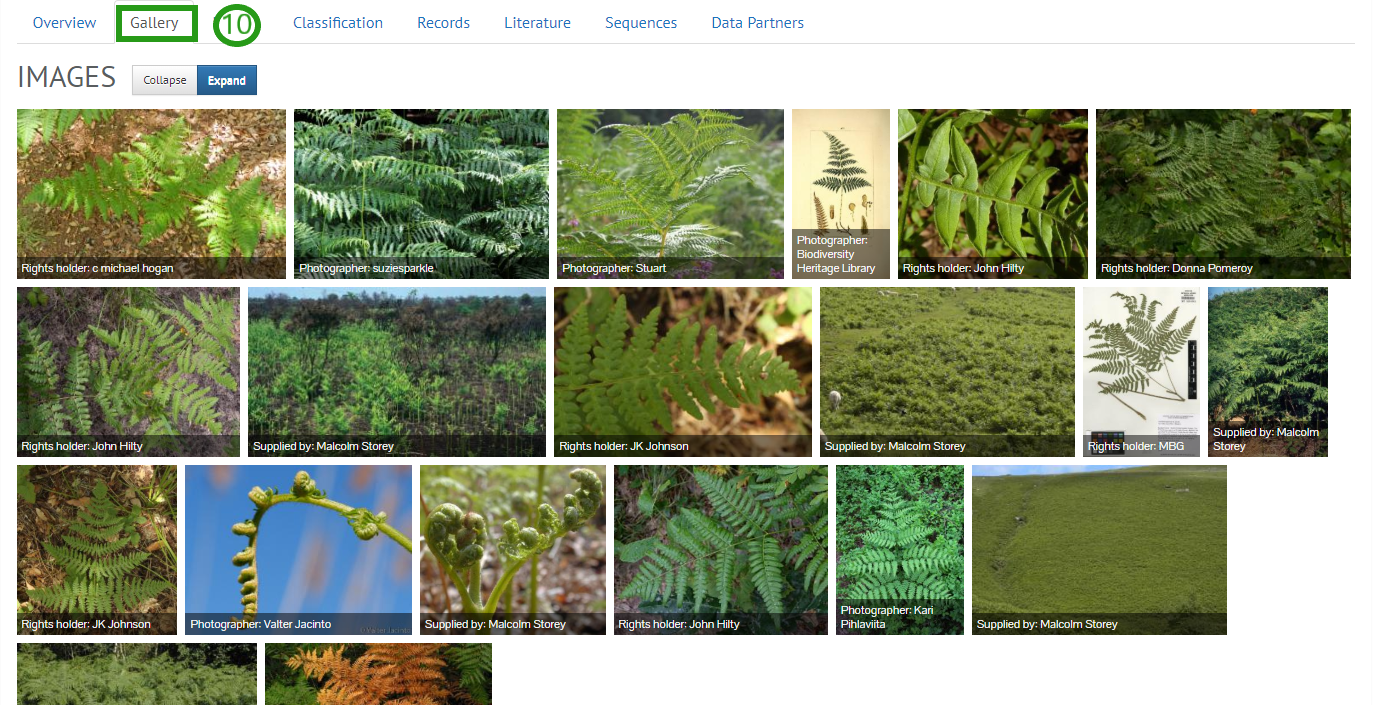
Clicking the tabs at the top of the page will allow you to view different information on the species. The Gallery tab (10) shows any images of the species that have been uploaded.
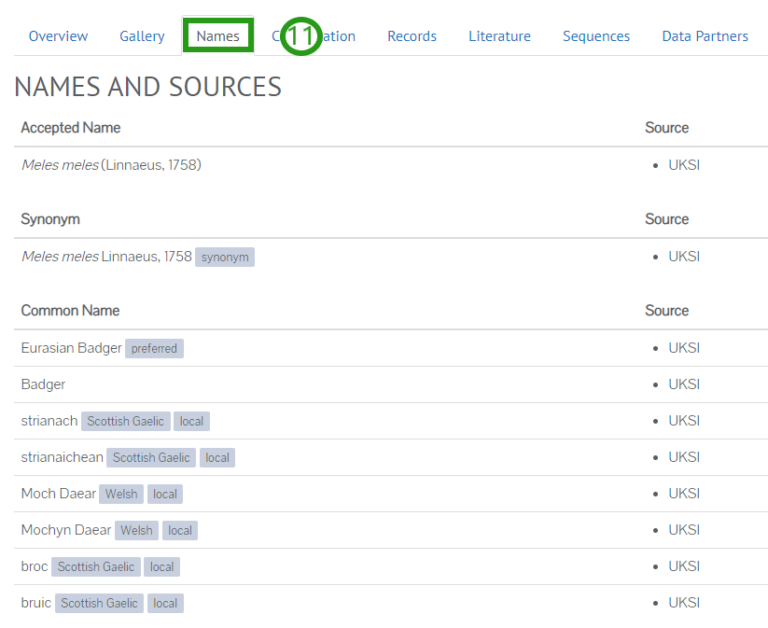
The Names tab (11) displays all recorded synonyms for the species and the name of the species in other languages from the British Isles. This information is sourced from the UK Species Inventory (UKSI), which is run by the Natural History Museum, London.
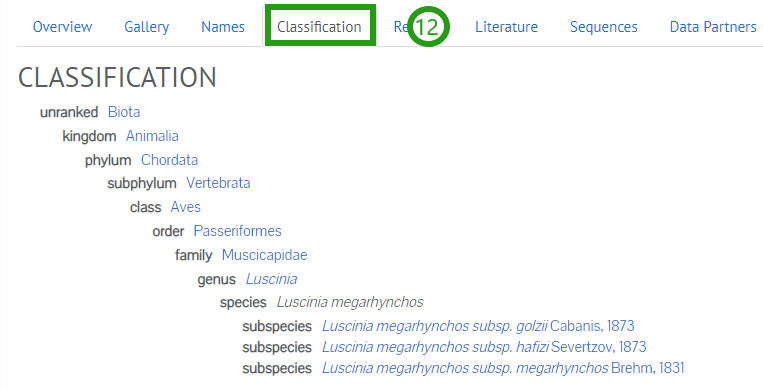
The Classification tab (12) gives you the currently accepted taxonomic information for the species. This is also taken from the UKSI.
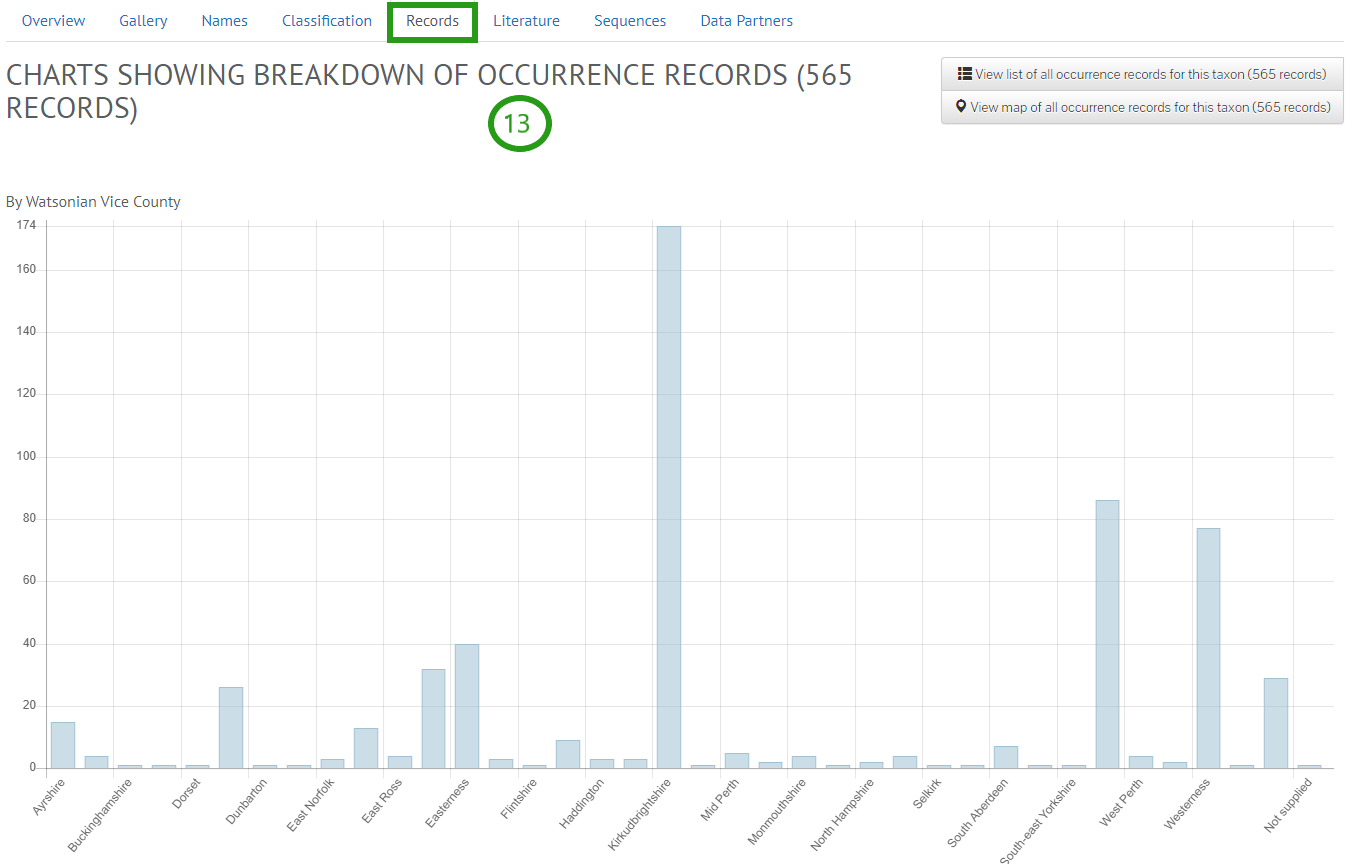
The Records tab (13) displays the numbers of records according to different criteria, like counties, data provider and decade.
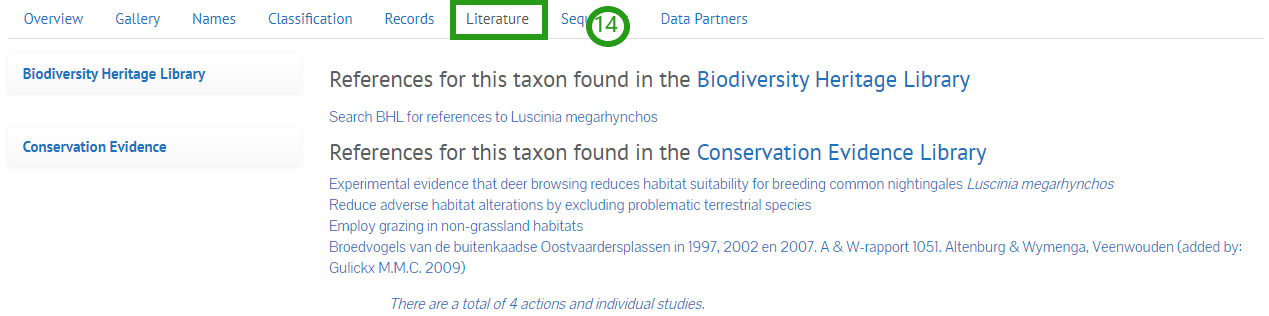
The Literature tab (14) directs you to the Biodiversity Heritage Library, where you can read original species descriptions.
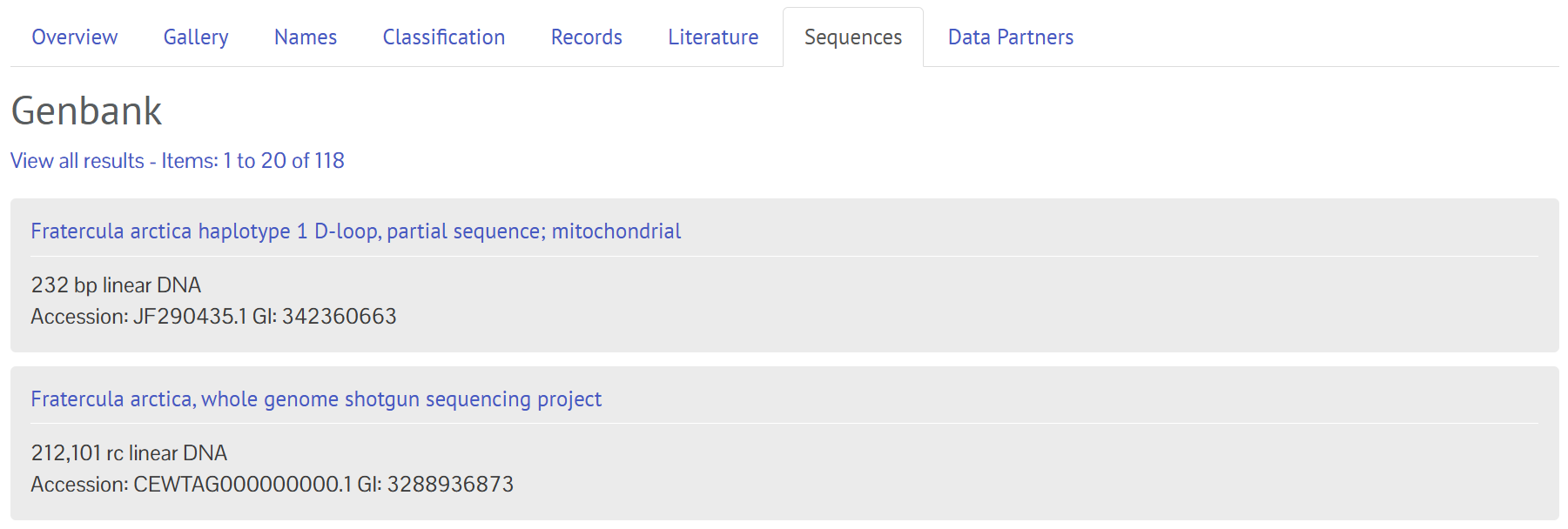
The Sequences tab provides a list of sequence data for your species provided by NCBI Genbank. Links are provided to redirect your to Genbank to explore the sequences further.
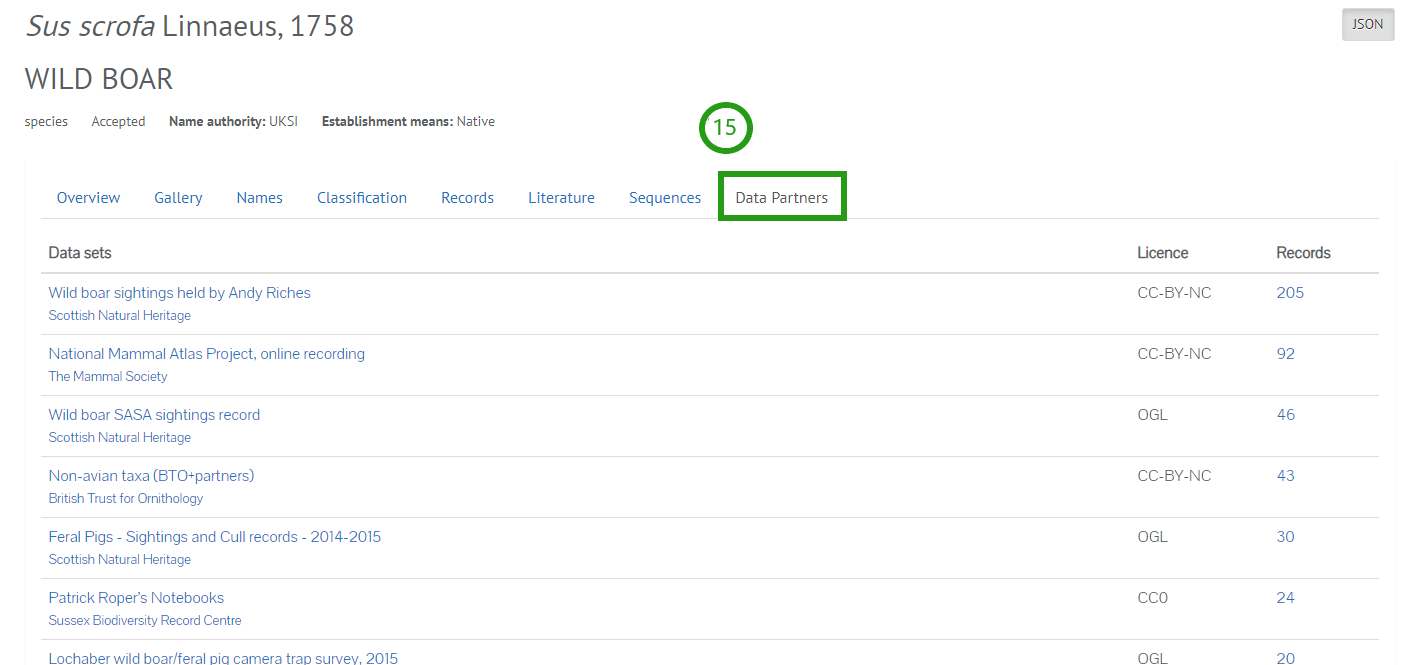
The Data Partners tab (15) gives a summary of all datasets in the NBN Atlas with records of the species, the associated licence for each dataset and the number of records.
Conservation Designations
Conservation Designations is a feature on the NBN Atlas species pages, allowing users to quickly identify information on important designations for a species, such as the GB Red List designations.
For the initial release, the conservation designations displayed on the species pages will include:
- GB Red list – based on IUCN (excludes birds)
- Nationally Rare and Scare (excludes birds and includes IUCN red listed taxa)
The species lists used on the NBN Atlas to assign designations to taxa have been derived from the JNCC Conservation Designations master list.
Finding conservation designation information for a species
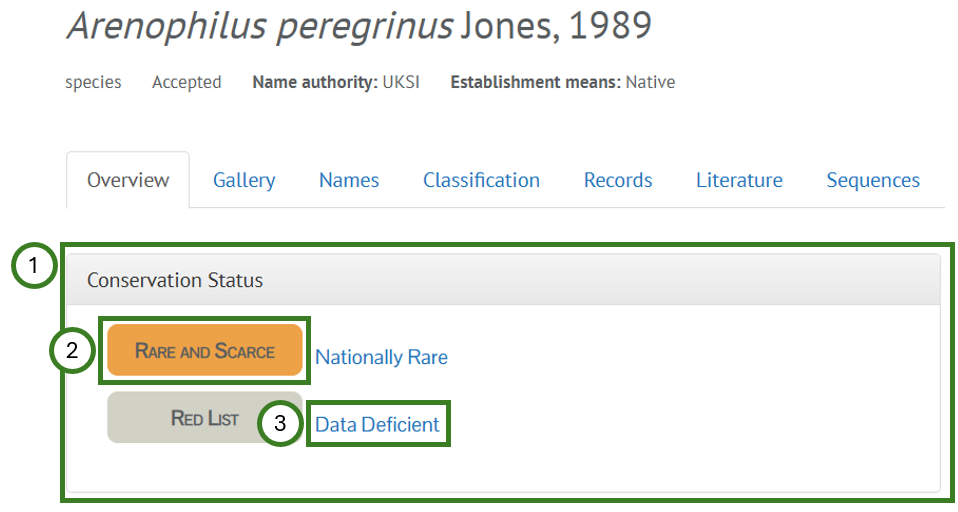
Once you have navigated to a species page, if the species is assigned a designation/s based on the species lists mentioned above, the designation/s will be displayed in the Conservation Status box (1). The coloured icons (2) indicate the source for the designation, e.g., the nationally rare and scarce list, and the text/link next to the icon (3) shows the designation the species has on that list. To read the metadata and view the complete list used for a designation, click on the designation text/link (3).
If you have any feedback on this feature, including additional conservation designations which would be useful to include, please submit a ticket.
Was this article helpful?
That’s Great!
Thank you for your feedback
Sorry! We couldn't be helpful
Thank you for your feedback
Feedback sent
We appreciate your effort and will try to fix the article