You can use the species list tool to complete an occurrence search for a species list. You can species lists which have been uploaded by NBN Trust staff or other NBN Atlas users.
It's important to note that lists which are not 'Authoritative' are limited to a search of 200 taxa. If they exceed this limit the list search will be truncated to include the first 200 listed taxa.
TABLE OF CONTENTS
- Navigating to species lists
- Finding species lists
- Viewing a species list
- View records for a species list
- Creating your own species list
- Editing your species list
Navigating to species lists
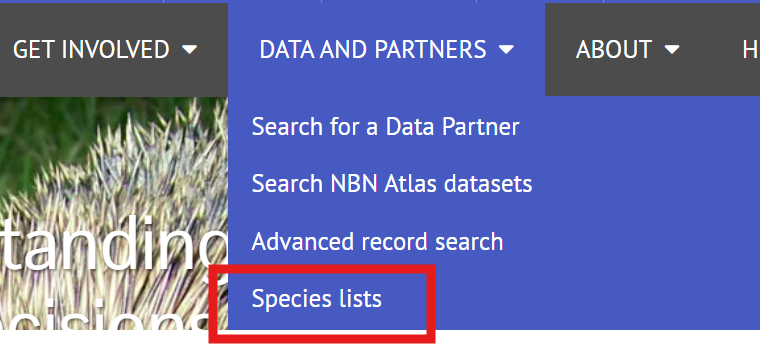
Go to the NBN Atlas homepage, click on DATA AND PARTNERS and then Species lists.
Finding species lists
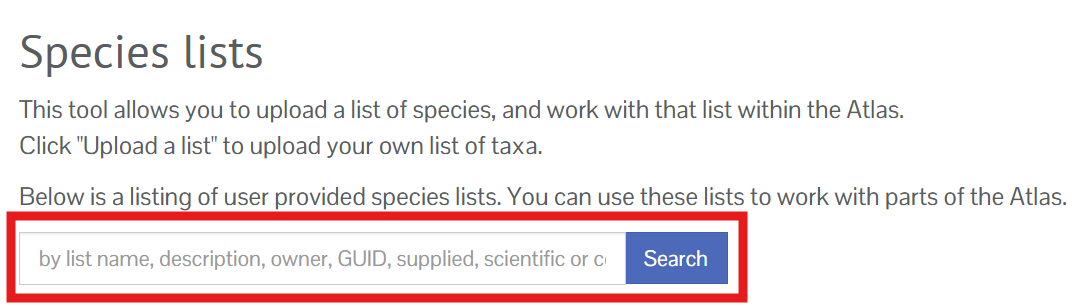
You can search for a species list by using the search bar.
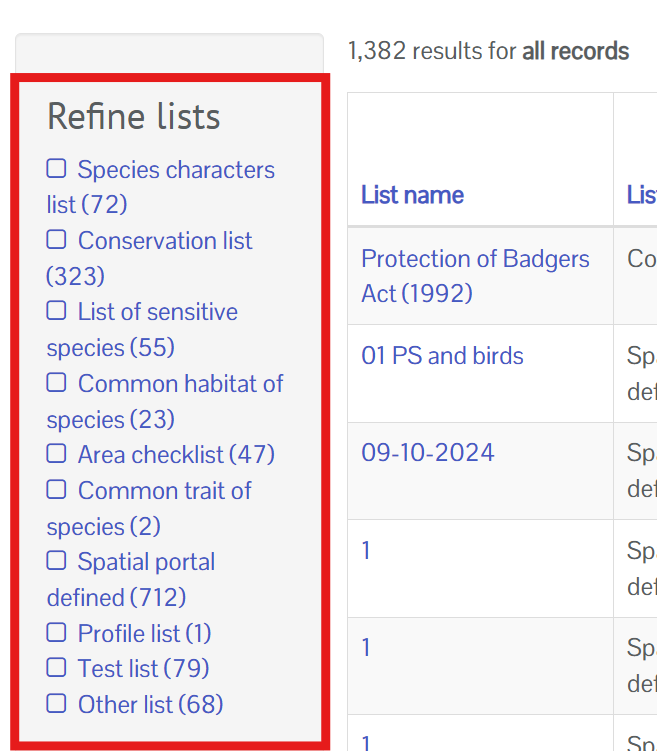
You can also filter lists by a selection of useful categories:
- Species characters list - a generic species list, typically used to help with repeat searches
- Conservation list - these should be lists derived from conservation designation/statuses and legislation etc.
- List of sensitive species - a list of species deemed sensitive, e.g., locally sensitive/protected species. These lists are not used to generalise records on the NBN Atlas, only to search for records of the listed species.
- Common habitat of species - lists of species associated with a specified habitat.
- Spatial portal defined - these are lists which are created in the spatial portal. These lists may only be useful to the people who have created them.
- Authoritative list - records on the NBN Atlas have been 'indexed' against these lists, and this means there is no taxa limit for these lists, i.e., the 200 taxa limit does not apply to these lists and a search using this list will include all the listed taxa.
- Invasive species list - lists of invasive species.
- Sensitive Data Service - these are the regional sensitive species lists and are used to generalised sensitive species records on the NBN Atlas. Read more about how sensitive species are handled on the NBN Atlas here.
Click on one of these categories in the Refine lists panel to filter all species lists or lists returned by your search.
Viewing a species list
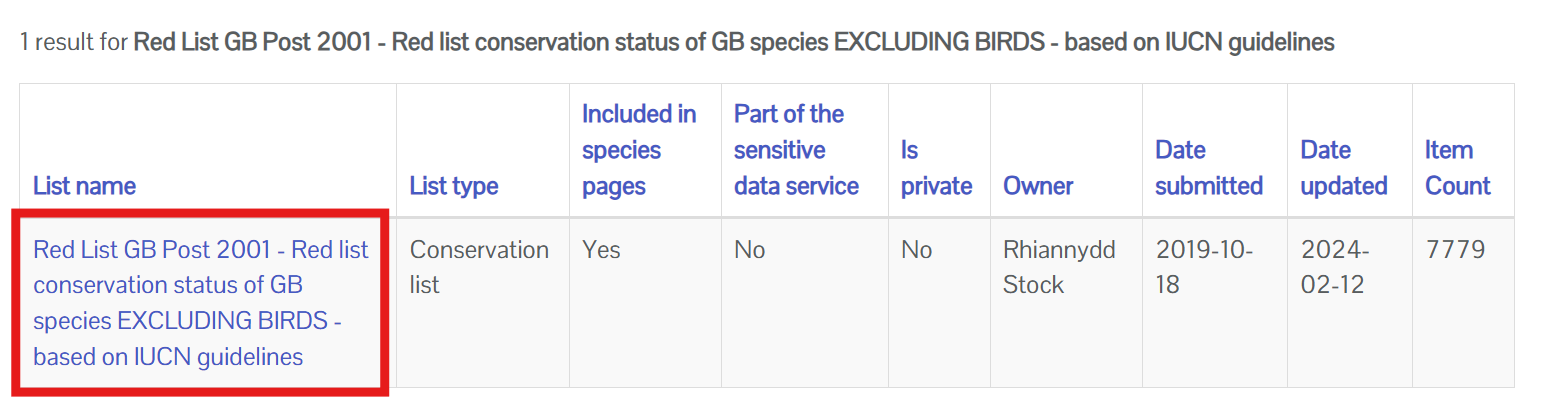
Click on the species list of interest to view the species listed.
You can see a description of the species list, who created the list, when it was last updated, etc. by clicking on List Info.
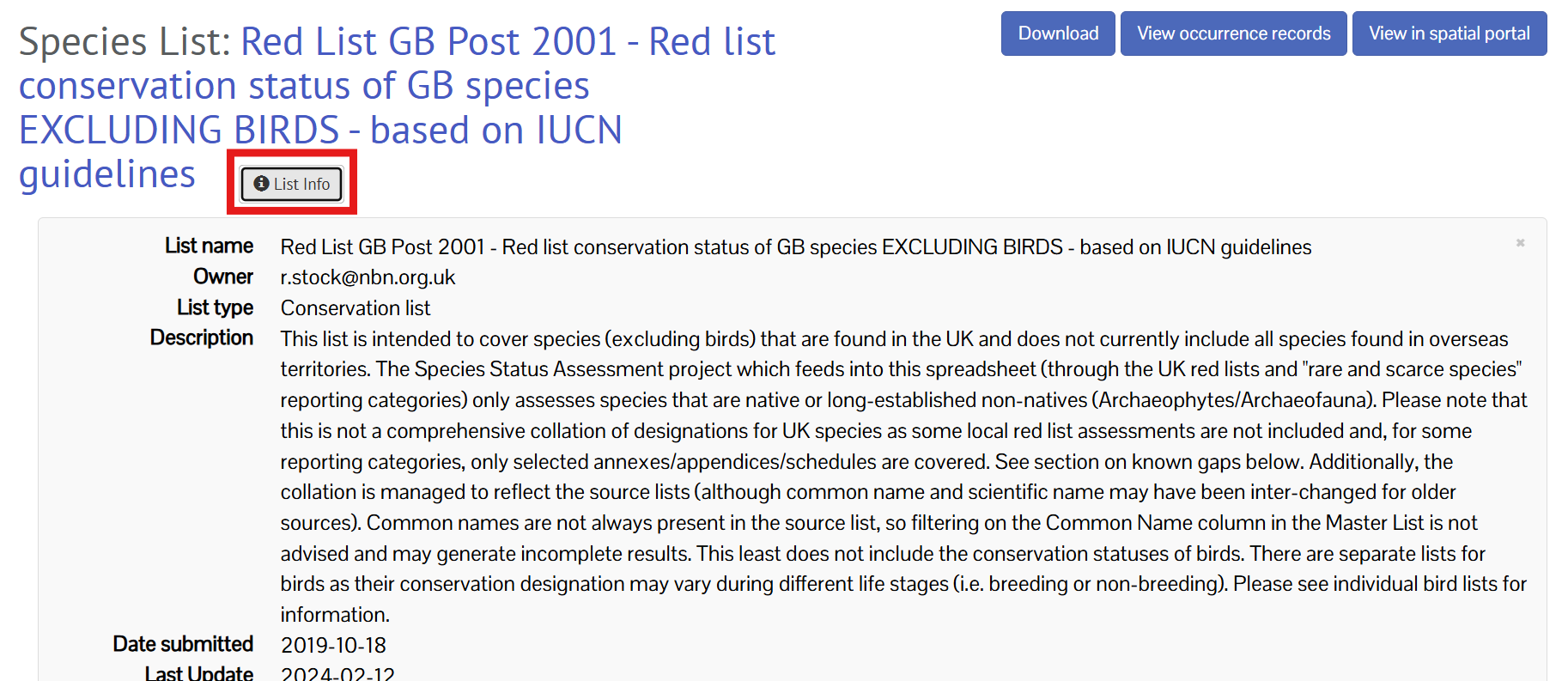
Click List Info again to close the information box.
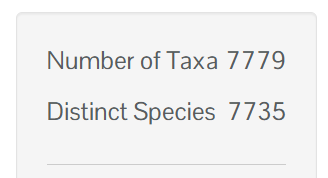
In the side panel you can see the Number of Taxa and the number of Distinct species. The number of taxa represents the number of rows included in the list. The number of distinct species represent the number of species included on the list, for example if the list includes more than one name for a species it will only represent one species in the list.
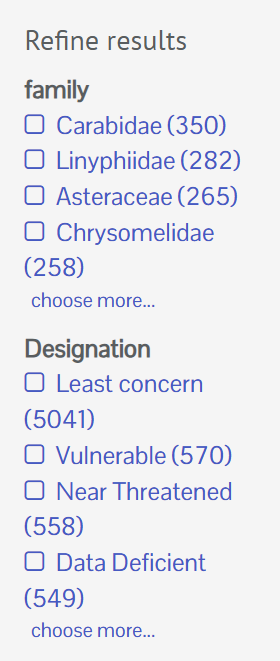
You can filter all species lists by family and any additional attributes included in the list, for example a designation.
You can view the species page for a species in the list by clicking on the species name in the Scientific Name (matched) column.
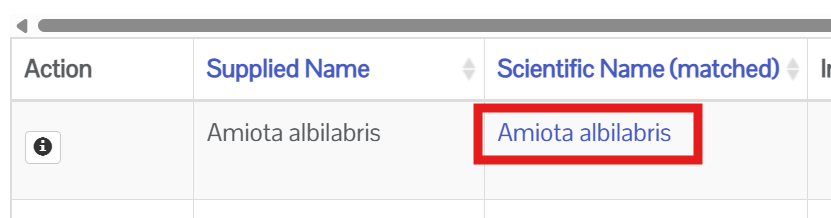
The name may be the same as the name in the Supplied Name. If the names are different this is because the supplied common or scientific name has been matched to the current recommended name in the UK Species Inventory (UKSI).
Use the slider on the species list table to see all the columns included in the species list (if the table doesn't fit on your screen).

You can check if a species is included on a list by using the Find species search box.
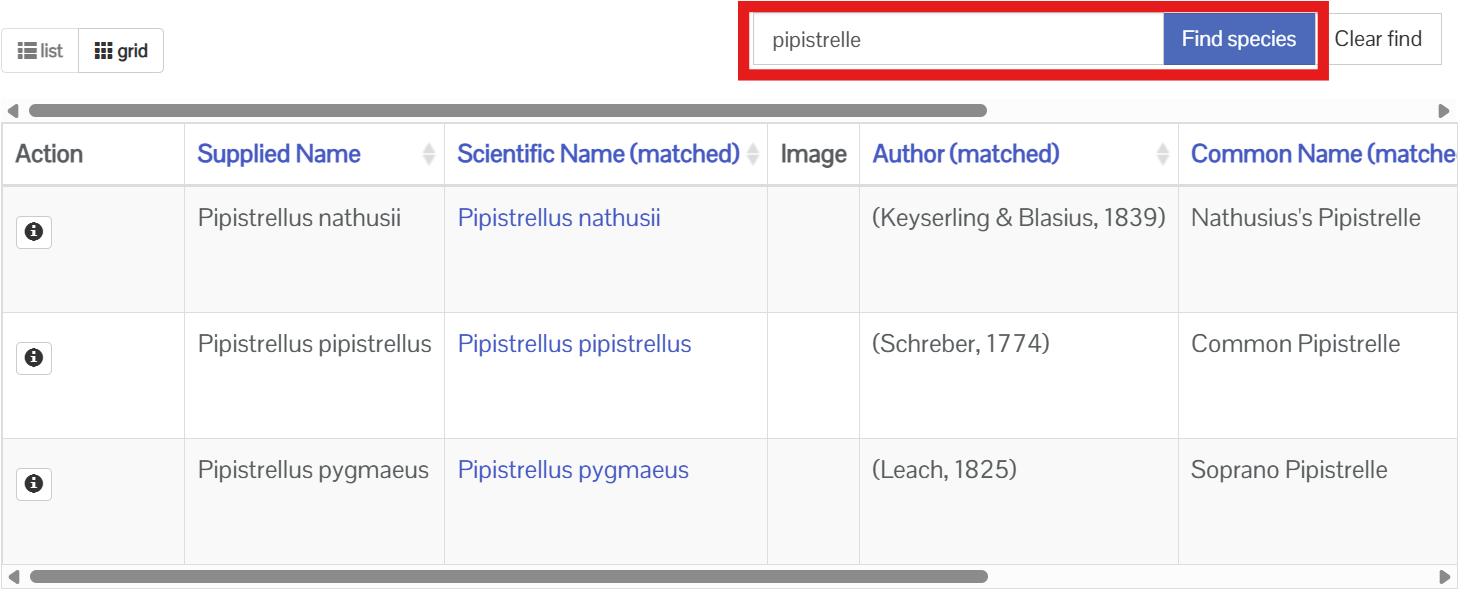
Click the Clear find button to return to viewing the full list.
You can download the list as a CSV file by clicking the Download button.
View records for a species list
You can view the occurrence records for a species list by clicking on the View occurrence records button. Note this creates a filtered search for all species on the list and does not apply any filters you have applied the the list using the Refine results panel.
If the species list is an authoritative list, you can check this in the List info, then your search will include all species on the list. If it is not, then if the list exceeds 200 taxa, the search will be truncated to the first 200 taxa listed on the list.
You can load records for the species in the Spatial portal, by clicking the View in spatial portal button.
Creating your own species list
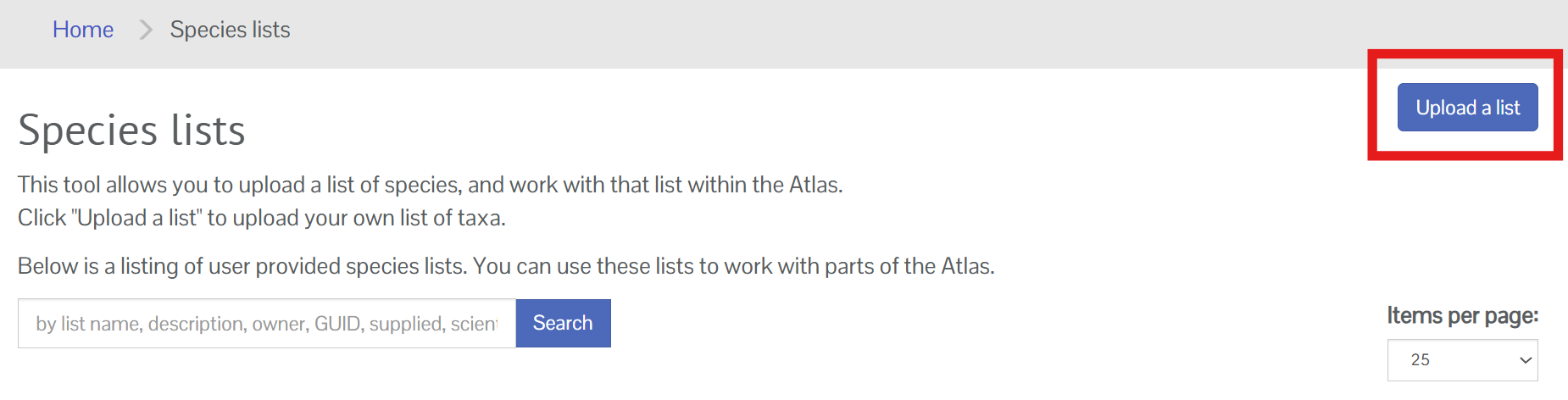
From the species list tool you can create or upload a species list by clicking on the Upload a list button.
You will be prompted to log in to your NBN Atlas account if you aren't already. See Creating an Account if you haven't got account yet. You can either upload a CSV file or write the list in the browser.
To upload list you will need to create a CSV (Excel) file with a column containing scientific name or common name. Click the Select file button to upload your file. You need to name the column with the name one of the following:
- scientificname
- scientific
- taxon
- taxonname
- taxonomic name
- commonname
- common
- vernacular
- vernacularname

You will then need to find the file using your computer's file explorer.
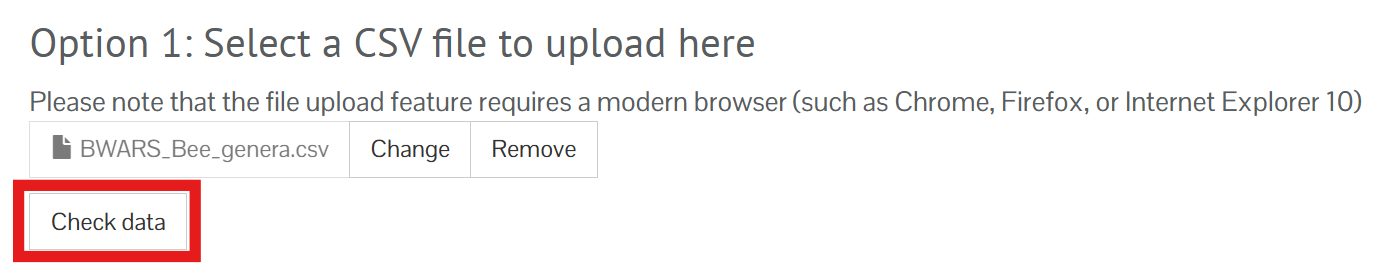
Click the Check data button.
 You can also type or page the list you want to upload.
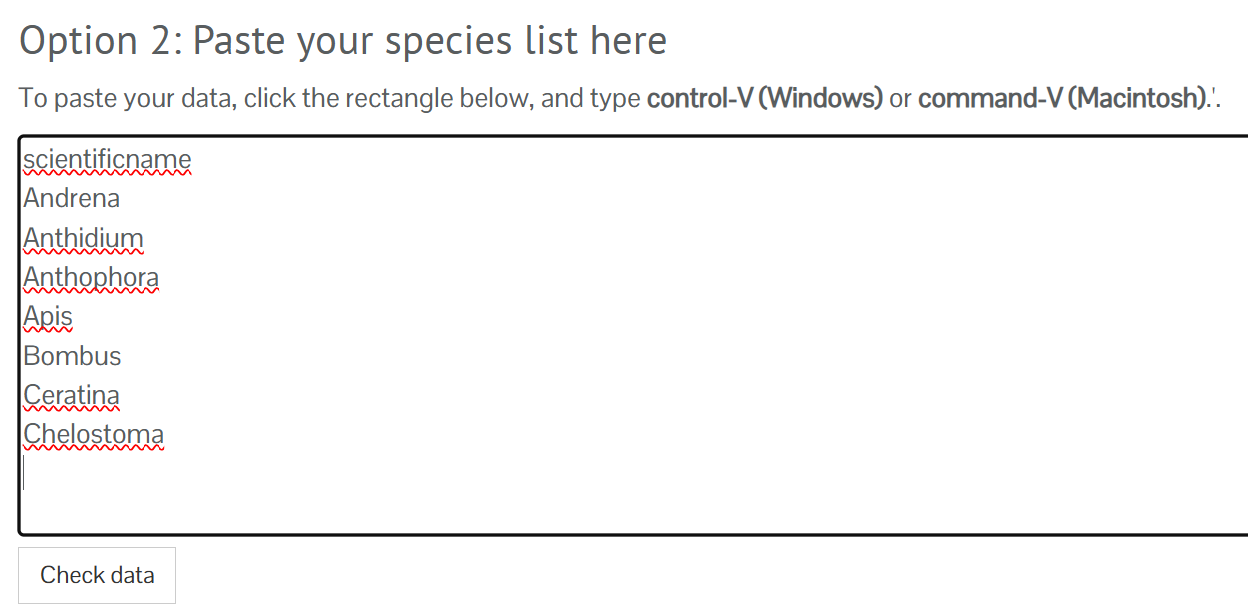
Click the Check data button under the box to check the rows have loaded correctly.
Once you have uploaded the species list file or listed the species in the text box, scroll down to fill out the species list details. If list if for personal use and won't be useful to other NBN Atlas users, please tick the list as Is private. If you want to share the list a public list, so that other users can see and use it, please give it a sensible name and include a useful description detailing the purpose of the list and it's source. You can use the the URL to include a link to the lists source.
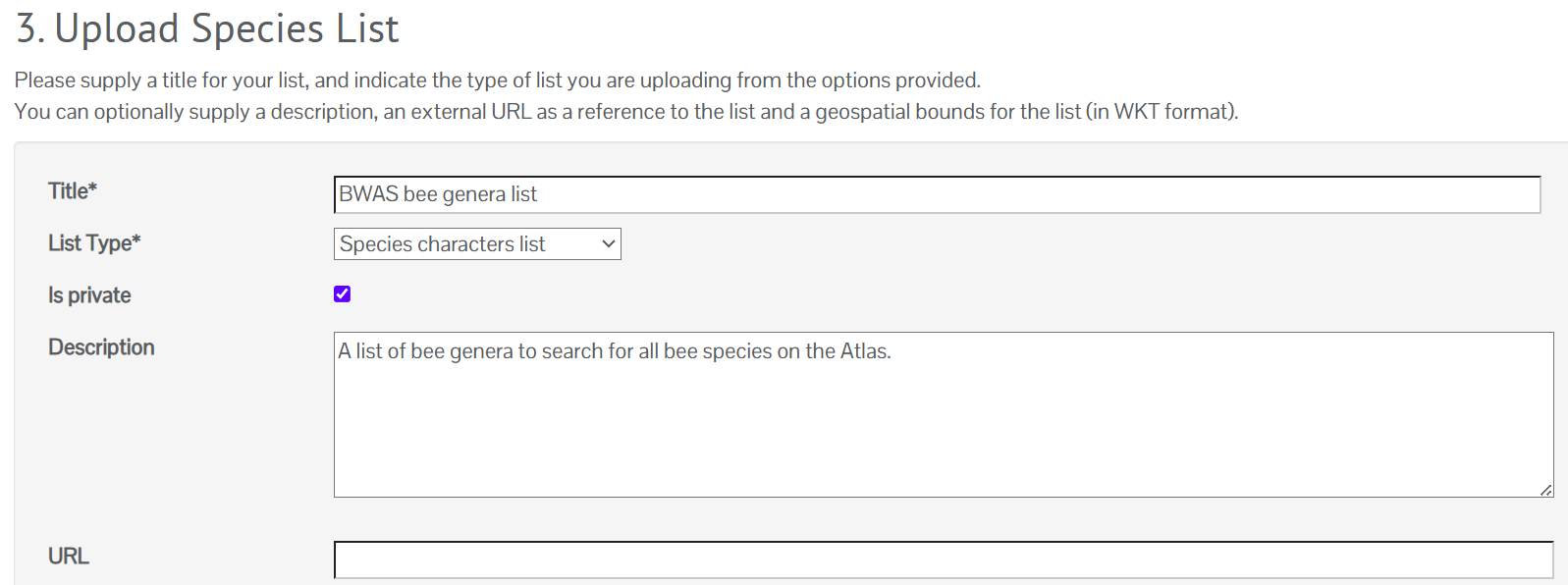
When you are ready click the Upload a list button.
Editing your species list
Making changes to your species list via the List tool
When uploaded you can edit your list after it is uploaded. You can update the list information by clicking the list info button and then the edit button.
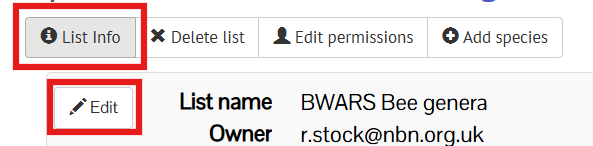
You can allow other NBN Atlas user to manage the species list, e.g., edit the list information, add species etc. To give someone else permission to edit the list click the Edit permission button.

Then enter the person's email address they use to log in to the NBN Atlas and click Add. The email will appear in the table. When you click save, if the email matched a user, they will now be an editor.
You add a single species to your list by clicking on the Add species button.

Enter a scientific or common name in for the Supplied name in the Value box and click the Save changes button.
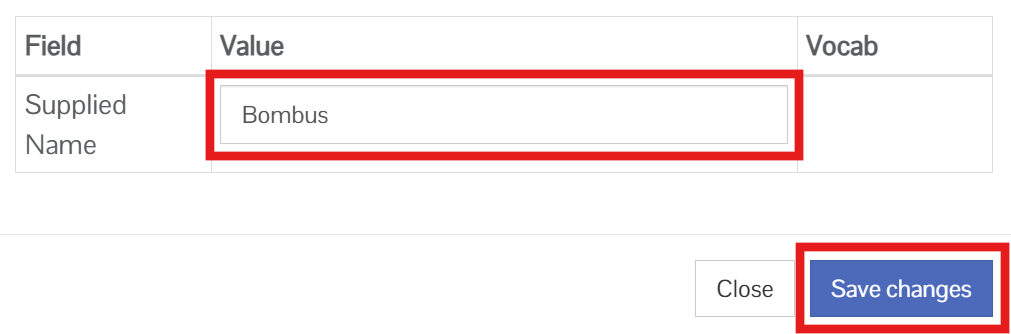
You can also edit species entries included on the list by clicking on the pencil icon, e.g., to update the species name if it is incorrect.

You can also delete an species entry in the list by clicking the bin icon.

Reuploading your species list
If you want to make several updates, you should reload the list. To do this go species list search and click My lists button.
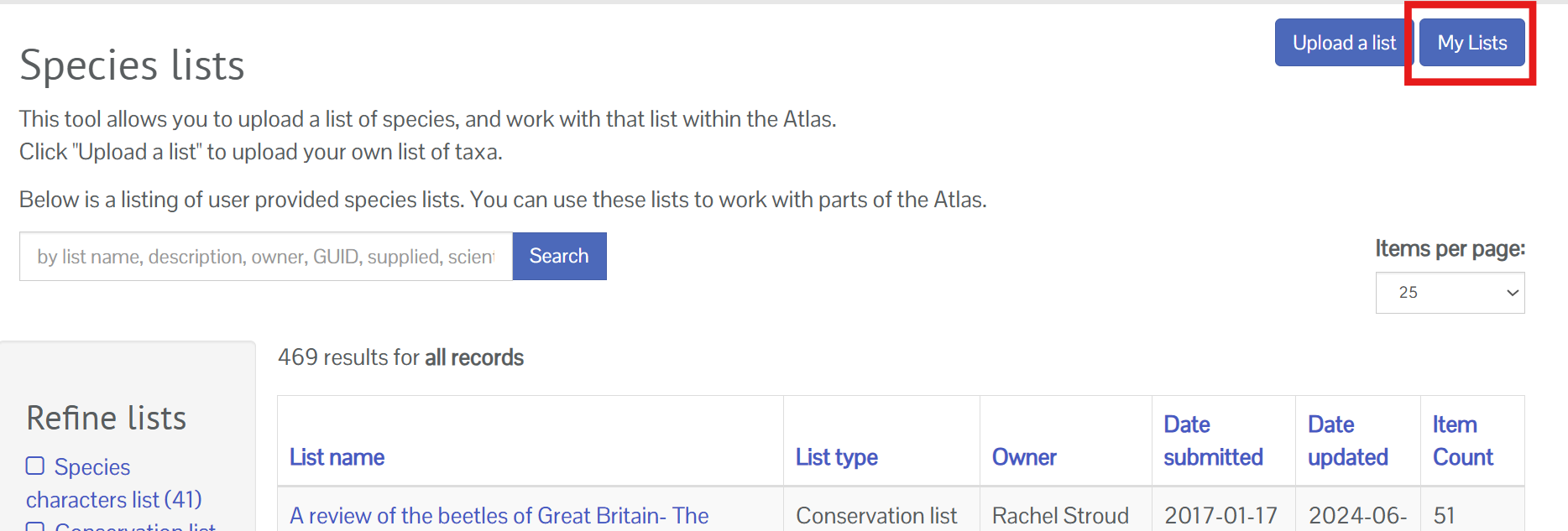
Click the Reload button for the list you want to reload.

Then complete the same steps you took to upload the list.
Making a list authoritative
If you want to upload a list which exceeds the 200 taxa limit and thing the list should be made available on the NBN Atlas, submit a ticket.
Was this article helpful?
That’s Great!
Thank you for your feedback
Sorry! We couldn't be helpful
Thank you for your feedback
Feedback sent
We appreciate your effort and will try to fix the article