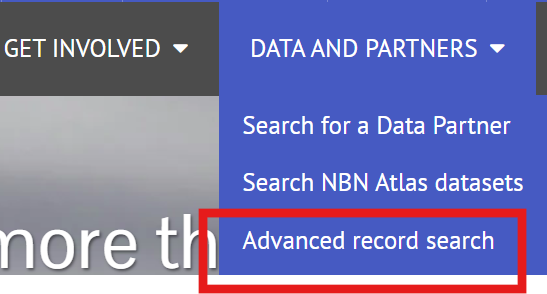
You can use the Advance search form to more easily complete filtered searches. To navigate to the Advance search, go to the NBN Atlas homepage, click DATA AND PARTNERS, and then Advance record search.
There are several filter categories available in the form. You can search for a record by it's occurrence ID or you can search by a single or multiple fields and values using the Search by Other filters.
To search for an occurrence ID you can use the Occurrence ID field. Simply enter the occurrence ID and click the Search button next to the text box.

To search by the other filters, populate or select the filters of interest, then scroll down to the bottom of the form and click the Search button.

You can also clear the form and start again if required by clicking the Clear all button.

Was this article helpful?
That’s Great!
Thank you for your feedback
Sorry! We couldn't be helpful
Thank you for your feedback
Feedback sent
We appreciate your effort and will try to fix the article