From an occurrence search you can view and download record counts for a field, e.g., number of records per species in a search. To view and download record counts, complete a search on the NBN Atlas and navigate to view the records. You can then select any of the filters in Narrow your results panel.
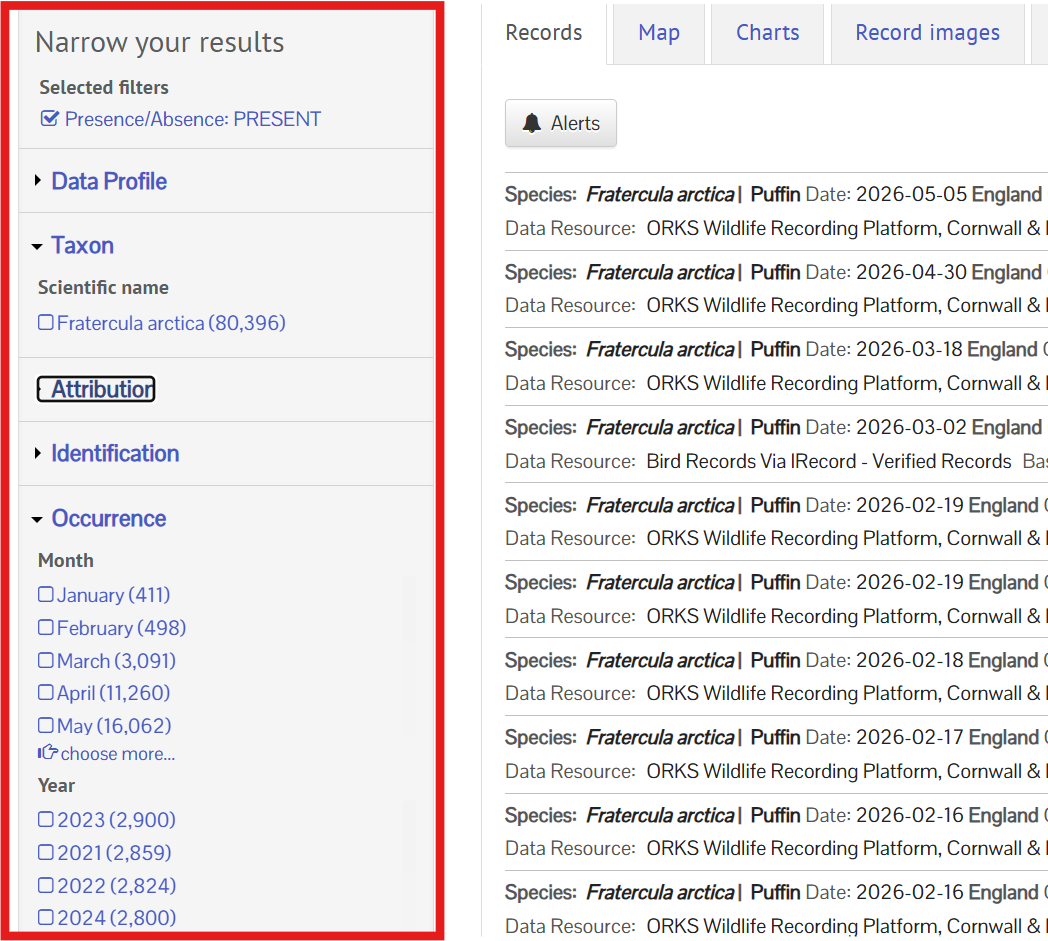
There are more filters available if you click Customise filters.
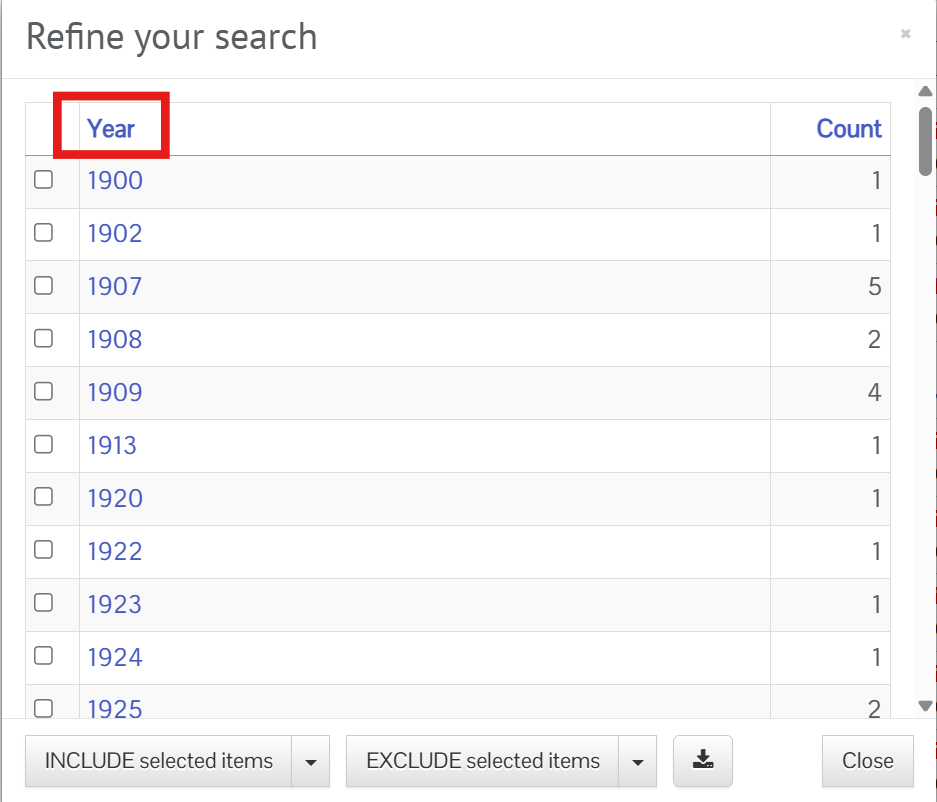
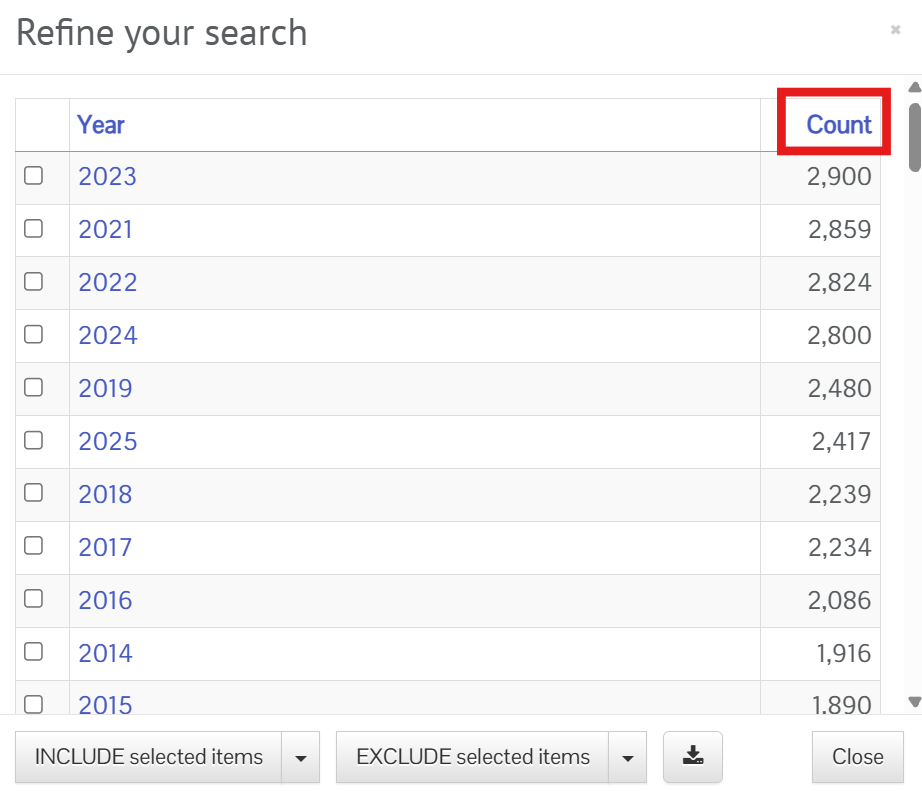
When you select a filter, this opens up a table which shows the number of records per filter value, e.g., species, dataset, year, etc. You can sort the table by the filter values or record counts.
To sort by the filter values, click on the field name in the table header.
To sort by the record counts, click Count in the table header (the table is sorted by count by default).
To download the table as a CSV, click the download icon button.
Was this article helpful?
That’s Great!
Thank you for your feedback
Sorry! We couldn't be helpful
Thank you for your feedback
Feedback sent
We appreciate your effort and will try to fix the article