Each occurrence record on the NBN Atlas has an associated licence, which give specific instructions on how the data may or may not be used. The four types of licence found on the NBN Atlas are as follows:
- Open-Government Licence (OGL)
- Creative Commons No Rights Reserved Licence (CCO)
- Creative Commons Licence with Attribution (CC-BY)
- Creative Commons Licence with Attribution – Non-Commercial (CC-BY-NC)
To learn what each of these licences mean, see definition of data licences here.
TABLE OF CONTENTS
Filtering your search by licence types
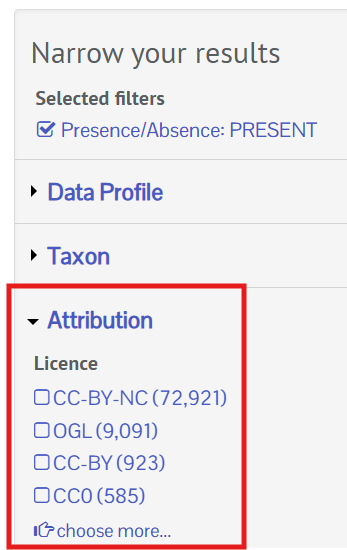
From the occurrence search you can see the licences applied to the records in the Narrow your results panel. Expand the Attribution filter category (if not already expanded) to see the License filter. Click on the filter to exclude records you cannot use, e.g., records with a CC-BY-NC licence.
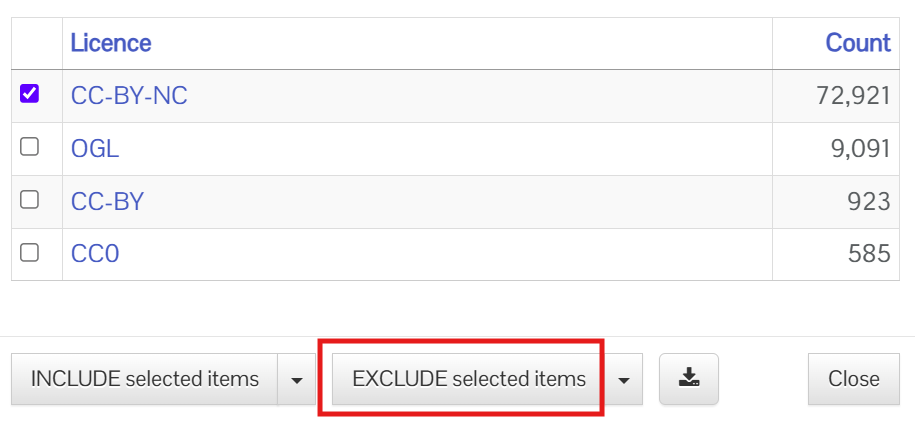
To exclude records, click on the relevant filter and click the EXCLUDE selected items button.
The records will now be filtered to the selected licences.
Finding licence information for records and dataset
For an individual record or image
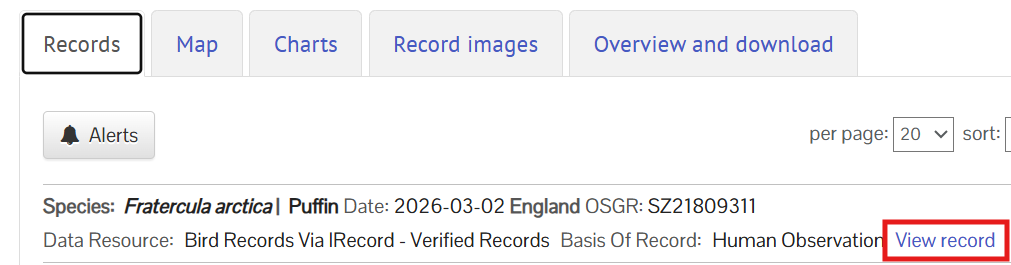
Complete your search on the NBN Atlas (see search guides here), and then view the occurrence records (usually by click a View records button). If viewing records via the Records tab (list view of records) click on the View records link to see the record details.
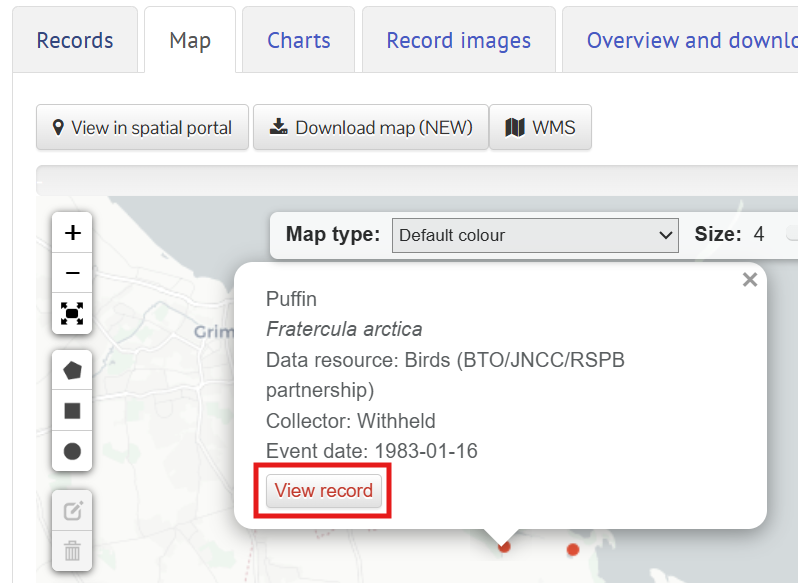
If viewing the records on the Map tab click on the the records of interested on the map (see the interactive map guide for how to use the map). Then click on the View record button.
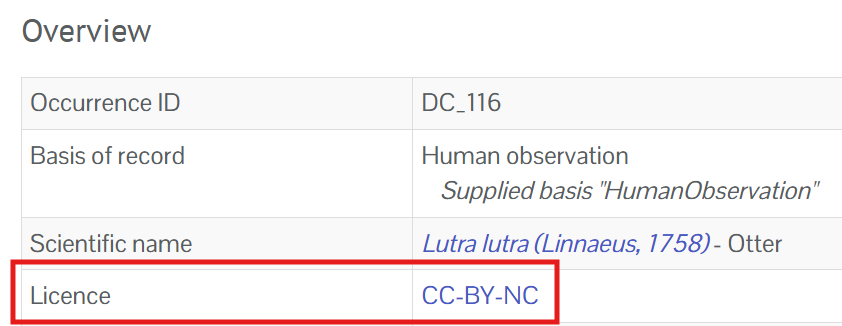
The record's licence can be found in the Overview section.
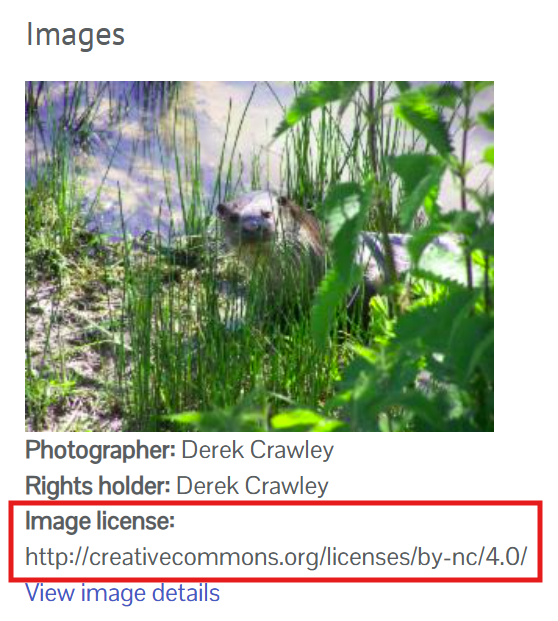
If the record has an associated image, this will have a separate licence applied. The licence may be the same as the record's licence or a different licence.
For a dataset
You can search for records by a data partner or via the dataset search. You can also find the datasets shared by a data partner by clicking on the Data Resources tab in a data partner page.

The licence applied to the dataset can be found on the right side of the page.
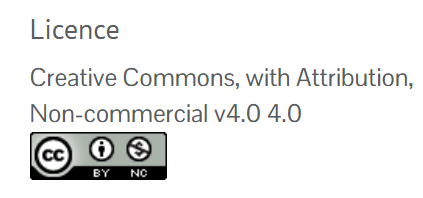
Note that a different licence may be applied to individual records in the the dataset. Therefore, it is advised to check the records via the occurrence search and filter your search.
In an occurrence download
When you download the records from the NBN Atlas, the record licenses can be found in the License column in the simple spreadsheet format and the dcterms:license column in the full darwin core format.
Was this article helpful?
That’s Great!
Thank you for your feedback
Sorry! We couldn't be helpful
Thank you for your feedback
Feedback sent
We appreciate your effort and will try to fix the article